
Last updated on
Nov 7, 2026
MI PC 577 2020-2026 free printable template
pdfFiller is not affiliated with any government organization

Fill out
Complete the form online in a simple drag-and-drop editor.

eSign
Add your legally binding signature or send the form for signing.

Share
Share the form via a link, letting anyone fill it out from any device.

Export
Download, print, email, or move the form to your cloud storage.
Why pdfFiller is the best tool for your documents and forms


End-to-end document management
From editing and signing to collaboration and tracking, pdfFiller has everything you need to get your documents done quickly and efficiently.
Accessible from anywhere
pdfFiller is fully cloud-based. This means you can edit, sign, and share documents from anywhere using your computer, smartphone, or tablet.
Secure and compliant
pdfFiller lets you securely manage documents following global laws like ESIGN, CCPA, and GDPR. It's also HIPAA and SOC 2 compliant.
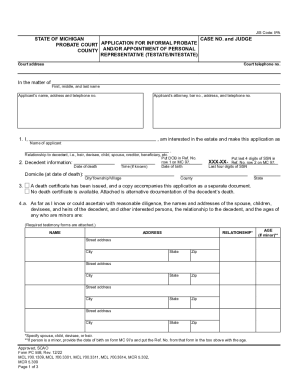
What is MI PC 577
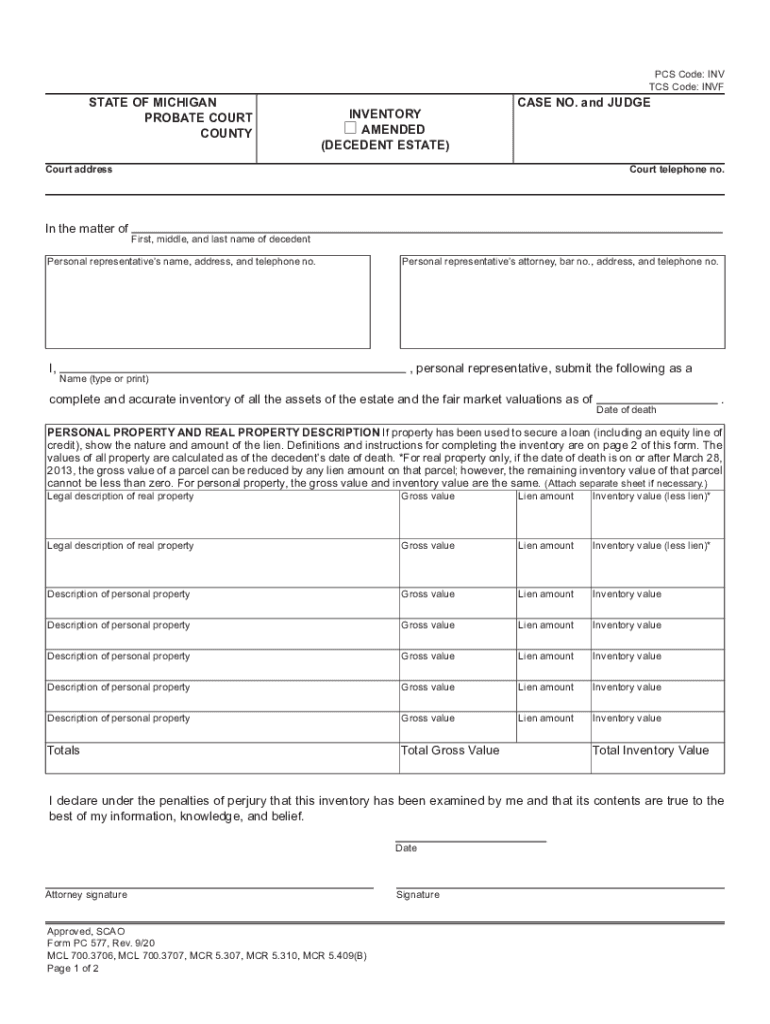
The Michigan Probate Court Inventory Form (PC 577) is a legal document used by personal representatives and attorneys to list and value all assets of a decedent's estate in Michigan.
pdfFiller scores top ratings on review platforms




Who needs MI PC 577?
Explore how professionals across industries use pdfFiller.

MI PC 577 is needed by:
-
Personal Representatives managing a decedent's estate
-
Attorneys assisting in probate cases
-
Individuals involved in estate planning
-
Family members of deceased individuals
-
Executors handling estate inventories
-
Real estate appraisers for asset evaluation
Comprehensive Guide to MI PC 577
What is the Michigan Probate Court Inventory Form (PC 577)?
The Michigan Probate Court Inventory Form, known as PC 577, is a crucial legal document that serves to enumerate and evaluate all assets within a decedent's estate in Michigan. This form is significant because it ensures an organized and fair distribution of the estate, aligning with state probate laws. The form gathers essential details regarding the decedent’s assets, including real properties, personal properties, and any associated liens.
Purpose and Benefits of the Michigan Probate Court Inventory Form
This form plays a vital role in estate management by promoting accurate asset listings needed during probate proceedings. By utilizing the inventory form, personal representatives and attorneys can effectively manage estate assets. Accurate completion also mitigates potential legal implications that could arise from omitted information during the probate process.
Who Needs the Michigan Probate Court Inventory Form?
Several individuals and entities are required to complete the Michigan Probate Court Inventory Form. Personal representatives hold the legal responsibility to fill out this form accurately, ensuring all estate assets are documented. Attorneys play a key role in aiding these representatives in the completion and submission process, particularly in complex cases involving estate management requirements.
When and How to File the Michigan Probate Court Inventory Form
Filing the Michigan Probate Court Inventory Form has specific timelines to adhere to. The form must be filed within a designated period following the decedent's passing, ensuring timely management of the probate process. For submission, individuals can choose between in-person delivery to the probate court or utilizing online methods, with strict adherence to filing deadlines crucial to avoid legal repercussions.
How to Fill Out the Michigan Probate Court Inventory Form Online
Filling out the Michigan Probate Court Inventory Form online is a straightforward process. Users can access a user-friendly interface via pdfFiller, offering guidance through each section of the form. Below are steps for the online filling process:
-
Create an account on pdfFiller.
-
Access the PC 577 form template.
-
Input required personal and attorney information.
-
List real and personal properties, along with their respective values.
-
Review the information for accuracy before submission.
Common Errors and How to Avoid Them
Completing the Michigan Probate Court Inventory Form can often lead to various common mistakes. These mistakes typically include inaccuracies in asset listings or missing information. To ensure accuracy and compliance, consider these best practices:
-
Double-check all entries against official records.
-
Consult with an attorney for legal concerns.
-
Utilize validation tools accessible through form-filling platforms.
How to Sign the Michigan Probate Court Inventory Form
Proper signatures are critical for the validity of the Michigan Probate Court Inventory Form. The form requires signatures from both the personal representative and their attorney, ensuring accountability. It's essential to note the distinction between digital signatures, which can be executed through online platforms like pdfFiller, and wet signatures, which may often be necessary for certain submissions.
Security and Compliance with the Michigan Probate Court Inventory Form
Handling sensitive estate information necessitates strict security measures. When using platforms like pdfFiller, secure processing of legal documents is prioritized, ensuring compliance with regulations such as HIPAA and GDPR. Users are advised to follow recommended practices for document retention and privacy protection to safeguard their personal and estate information.
Use pdfFiller to Complete Your Michigan Probate Court Inventory Form
pdfFiller offers a seamless experience for completing and managing the Michigan Probate Court Inventory Form. The platform provides essential features such as filling, signing, and cloud-based submission, streamlining the entire process. Users are encouraged to create an account on pdfFiller to take advantage of its tools designed for efficient document management within legal contexts.
How to fill out the MI PC 577
-
1.Access and open the Michigan Probate Court Inventory Form (PC 577) on pdfFiller by typing the form name in the search bar or browsing the legal forms section.
-
2.Once the form loads, familiarize yourself with pdfFiller's interface. You will see various fields that need to be filled out, including spaces for asset descriptions and values.
-
3.Gather all necessary information regarding the decedent's assets before starting to fill out the form. This includes details about real property, personal property, and any liens.
-
4.Begin completing the fields by clicking on each section of the form. Enter detailed descriptions and accurate values for each asset listed.
-
5.Make sure to fill out the sections for the personal representative and attorney information accurately. It's important to double-check for any required signatures.
-
6.After filling out all fields, take time to review the form for any errors or omissions. Verify that all information is complete and accurate.
-
7.Finalize the form by saving your work. You can download it as a PDF or submit it directly through pdfFiller, following the prompts on the screen.

Who is required to fill out the Michigan Probate Court Inventory Form?
The Michigan Probate Court Inventory Form must be filled out by the personal representative of the decedent's estate and reviewed and signed by their attorney.
Is there a deadline for submitting this form?
Yes, the Michigan Probate Court Inventory Form should generally be submitted within a specified timeframe after the estate's appointment. Check with your local probate court for any applicable deadlines.
What supporting documents are required when submitting the form?
You typically need to include documentation that supports the values of the assets listed, such as property appraisals, bank statements, or any relevant tax documents.
Where do I submit the completed Michigan Probate Court Inventory Form?
The completed form should be submitted to the probate court in the county where the decedent resided. Make sure to check for specific submission requirements or procedures.
What are common mistakes to avoid when filling out this form?
Common mistakes include failing to provide complete asset descriptions, incorrect valuations, and neglecting to secure required signatures from both the personal representative and attorney.
How long does it take to process the Michigan Probate Court Inventory Form?
Processing times can vary depending on the county and the complexity of the estate. Generally, allow a few weeks to receive confirmation from the probate court.
Can I fill out the Michigan Probate Court Inventory Form online?
Yes, you can fill out the form online using pdfFiller, which provides a user-friendly interface to complete and save your form securely.
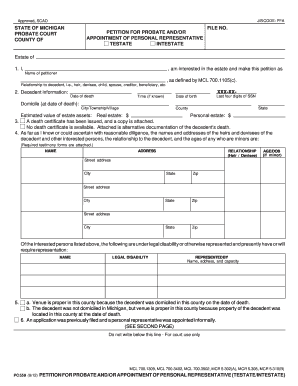
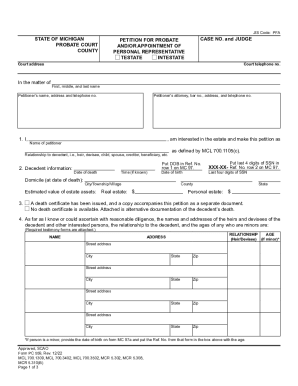
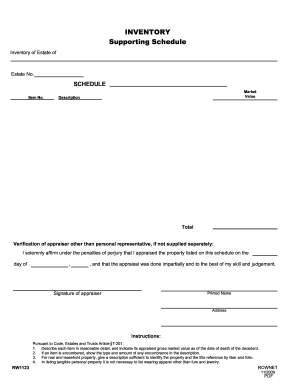
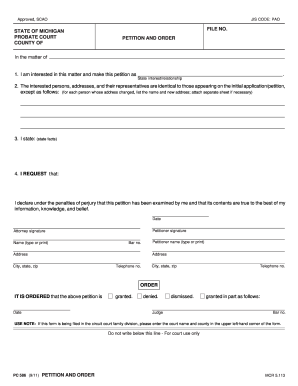
MI PC 577 Form Versions
Related Content
Related Forms


Get the latest insights from our blog


If you believe that this page should be taken down, please follow our DMCA take down process
here
.
This form may include fields for payment information. Data entered in these fields is not covered by PCI DSS compliance.